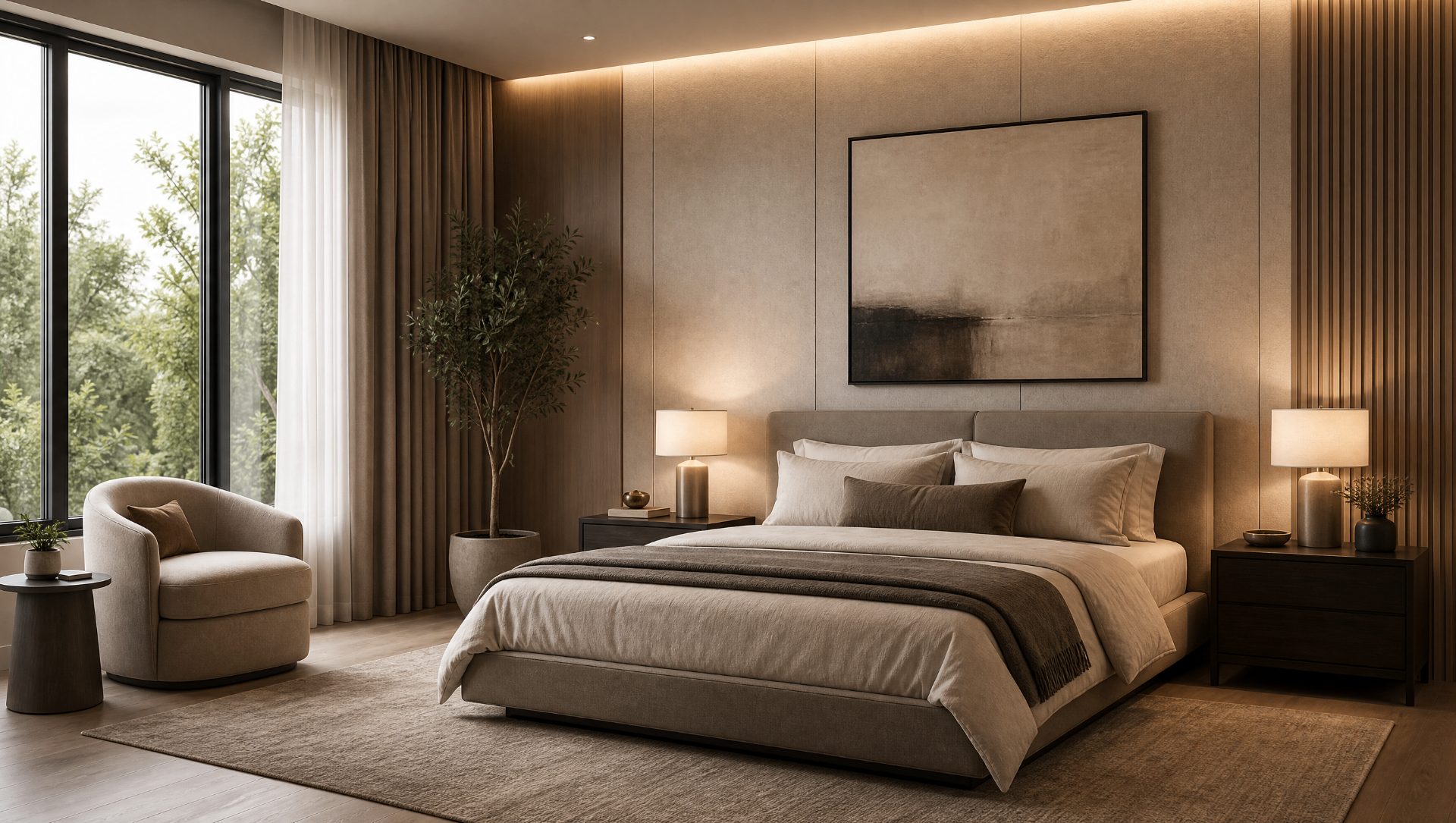
See your room redesigned before you spend a penny.
Upload a photo of your room and try new furniture, paint colours, wallpaper, flooring, and full design styles in seconds.
3 free designs · No card needed · No commitment
Everything you can redesign in one photo.
Test the big decisions on the room you actually have.
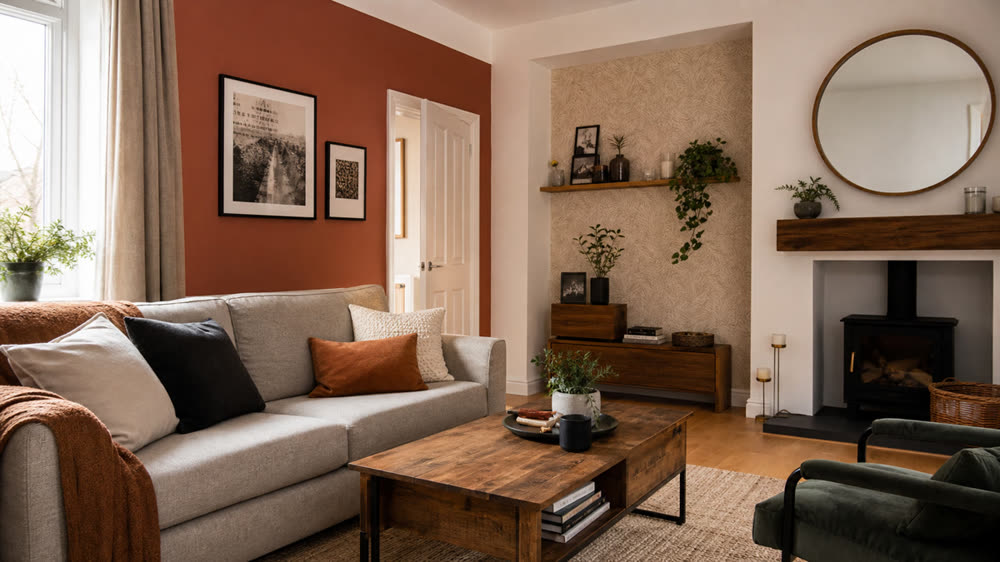
Wall paint and wallpaper
Compare neutrals, deep tones, and feature walls in your real light.
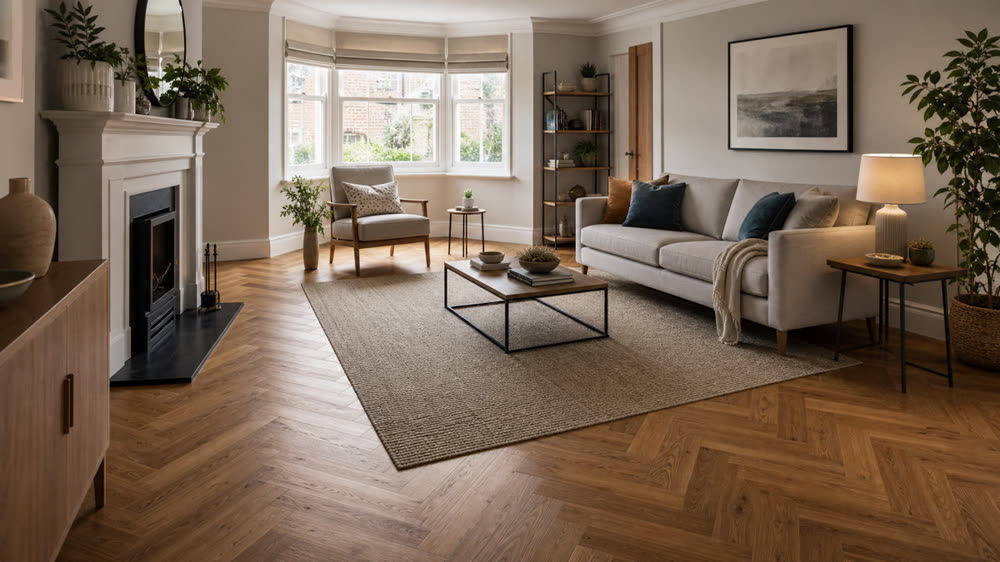
Flooring and rugs
Swap carpet for wood, LVT, tile, and try area rugs in seconds.
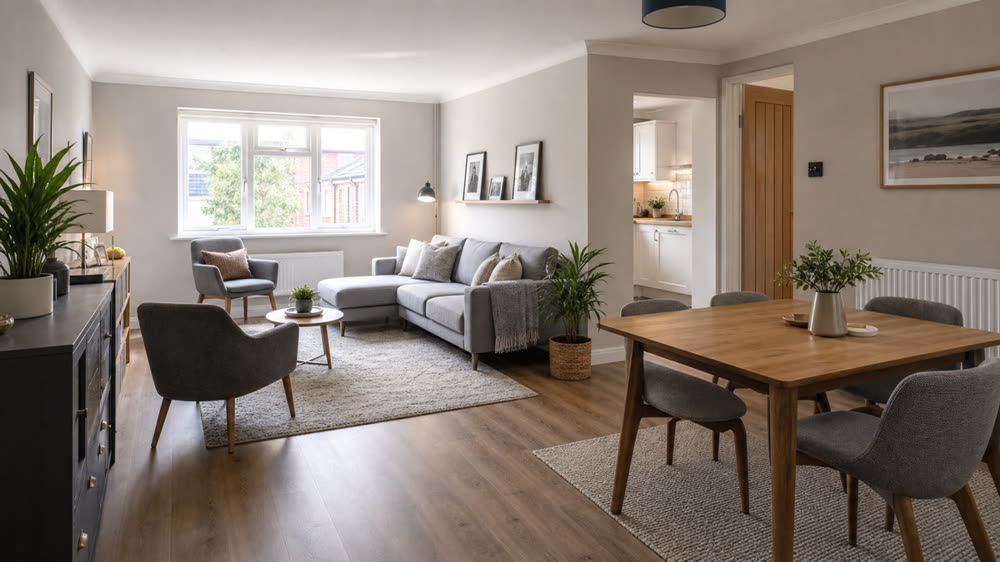
Furniture and layouts
Try new sofas, beds, dining sets, and seating arrangements.
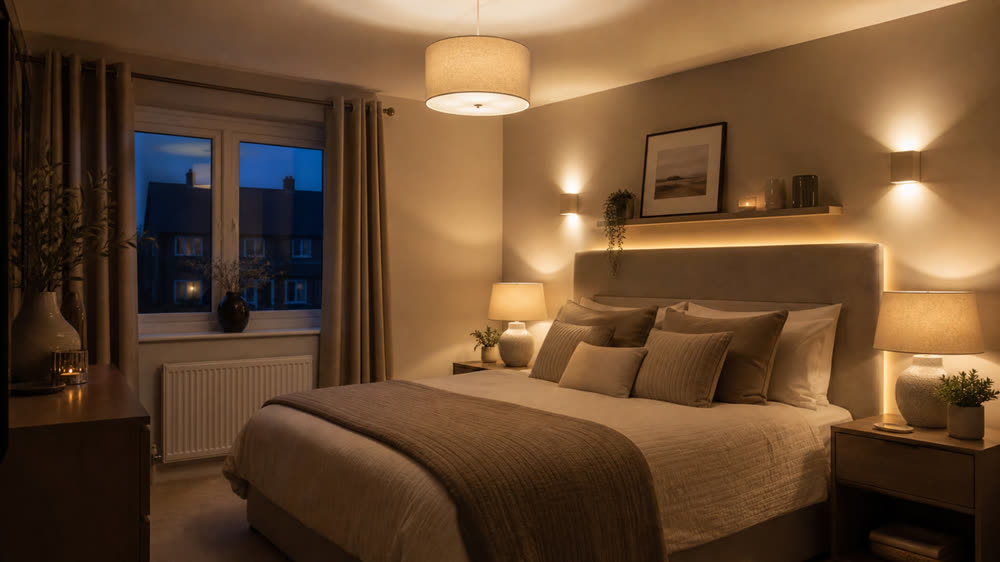
Lighting moods
See daytime, evening, and warm lamp-lit takes of the same room.
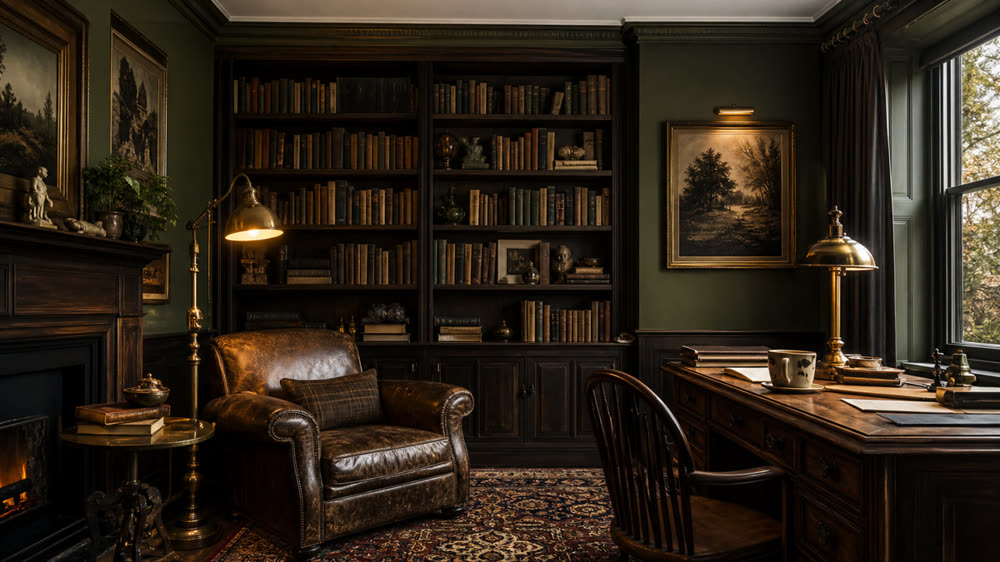
Style swaps
Compare Scandi, Japandi, modern, coastal, and traditional looks.
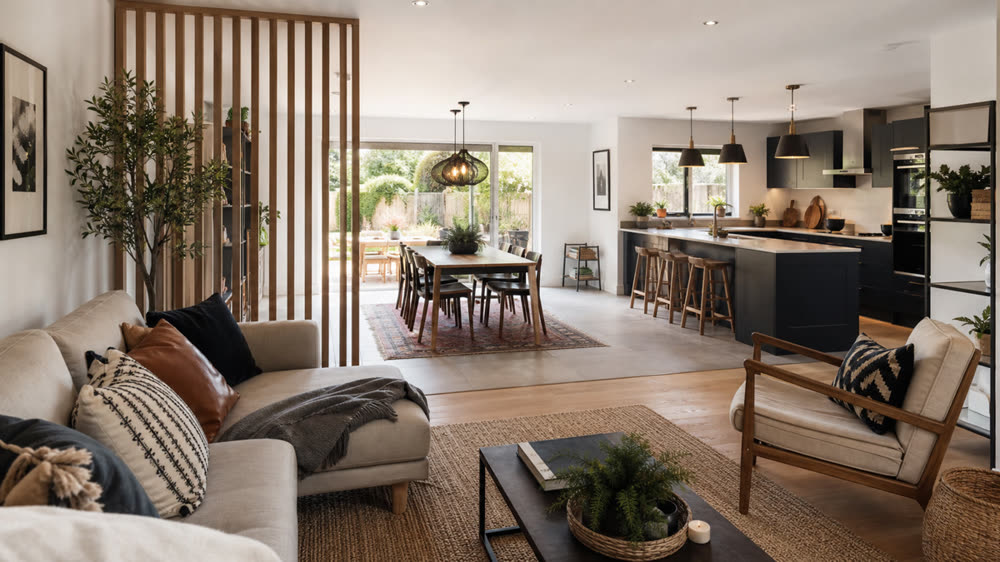
Open-plan and broken-plan
Visualise how the same space feels with different zoning.
Make better decisions about your space.
See it before you buy it
Test new sofas, beds, dining tables, and layouts on a photo of your actual room.
Try paint, wallpaper, and flooring
Compare colours and materials on your walls and floors without lifting a brush.
Find a style you love
Sample Scandinavian, Japandi, modern, coastal, and more across the same room.
Spend with confidence
Avoid expensive mistakes by visualising the finished room before you commit.
Useful whether you own, rent, or host.
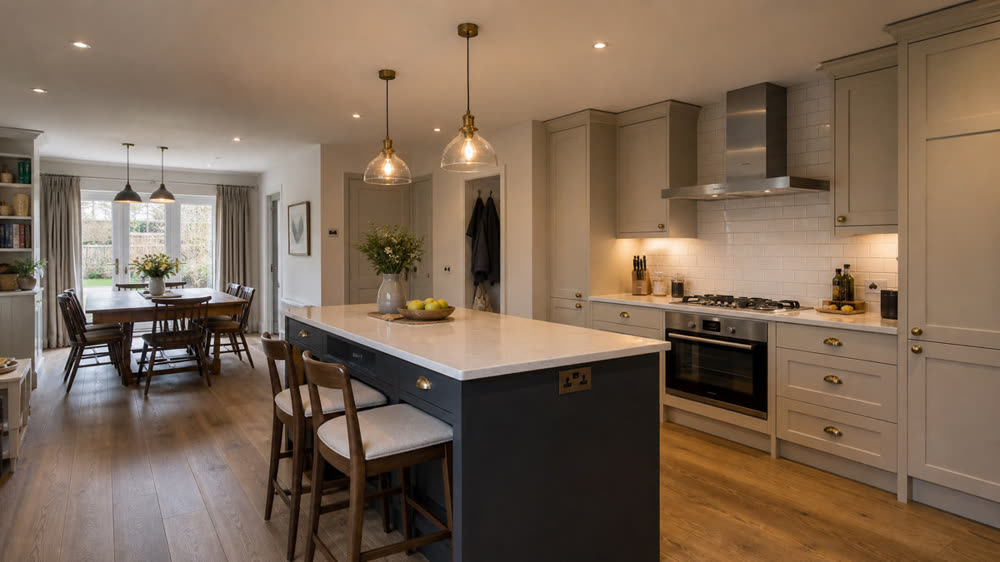
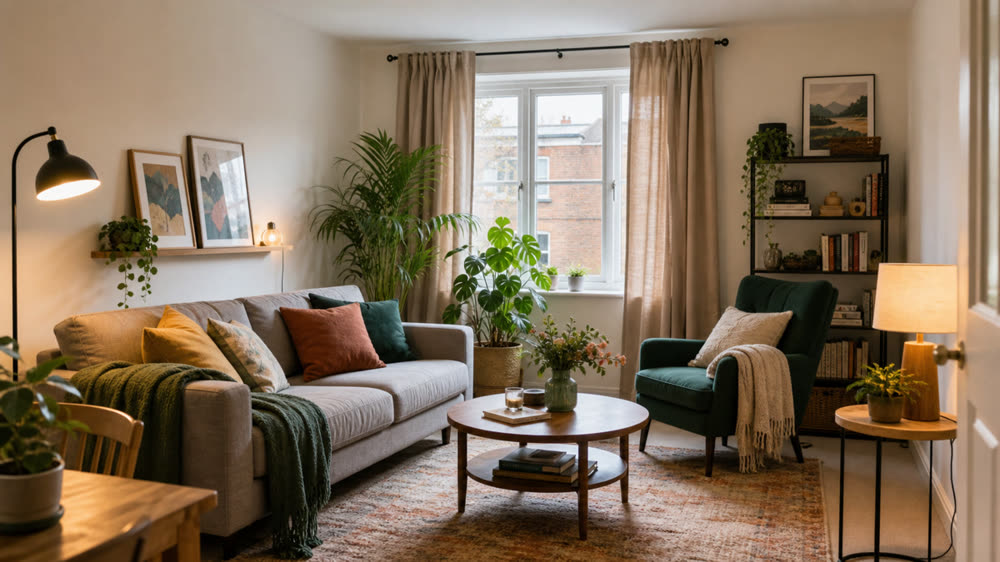
Homeowners
Plan a refresh, a renovation, or a single room makeover with real visuals instead of mood boards.
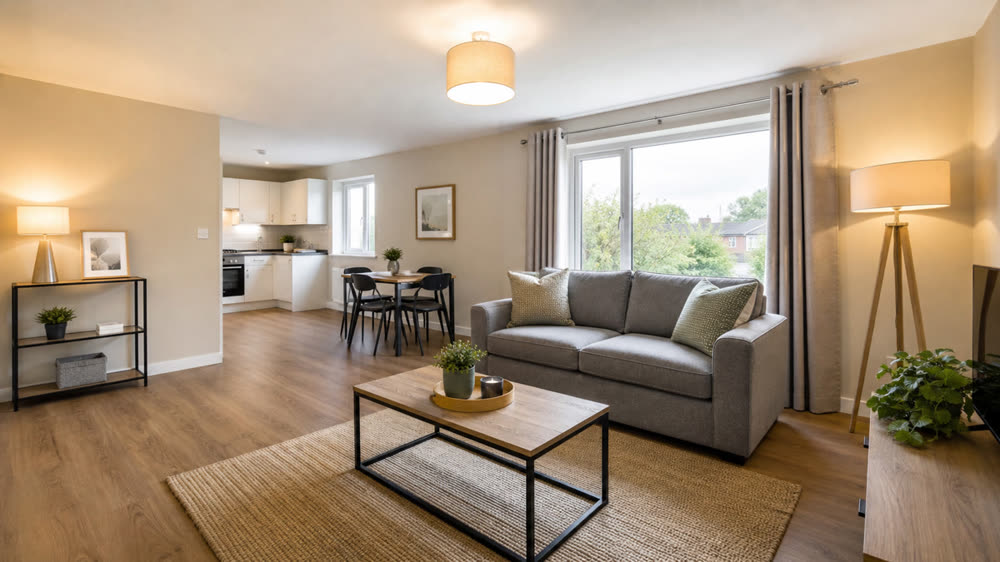
Renters
See how decor, furniture, and layout changes could work in your space without touching the walls.
Landlords
Test cost-effective updates that lift rental appeal before spending on furniture or paint.
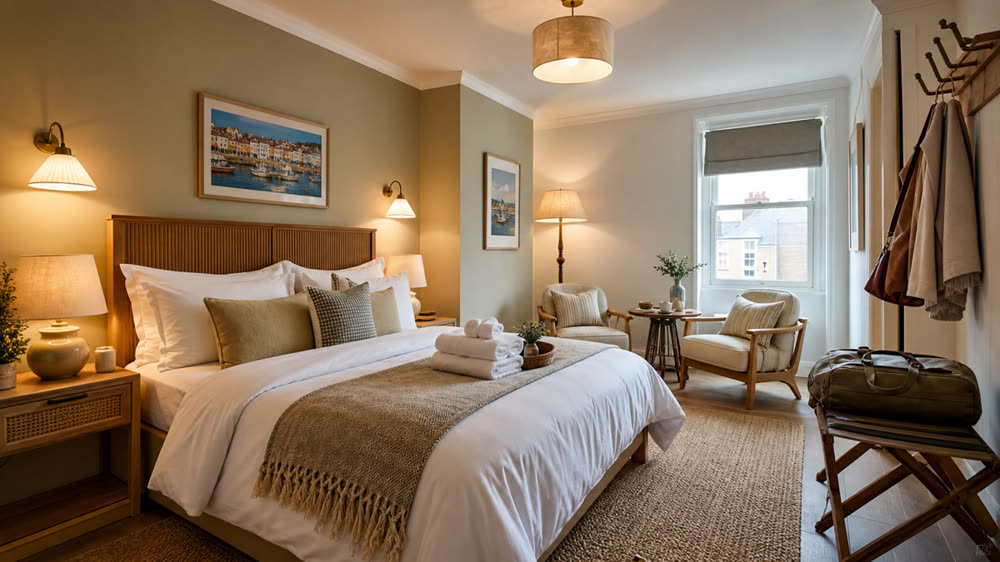
Airbnb hosts
Style listings for higher nightly rates and stronger photos that stand out in search results.
Three steps to a redesigned room.
Snap a photo of the room
Phone photos are perfect. Stand back so the full space is in frame.
Choose a tool
Restyle, swap furniture, change paint and floors, or try a reference image you love.
Save your favourites
Compare versions, save the ones you like, and use them as a real shopping list.
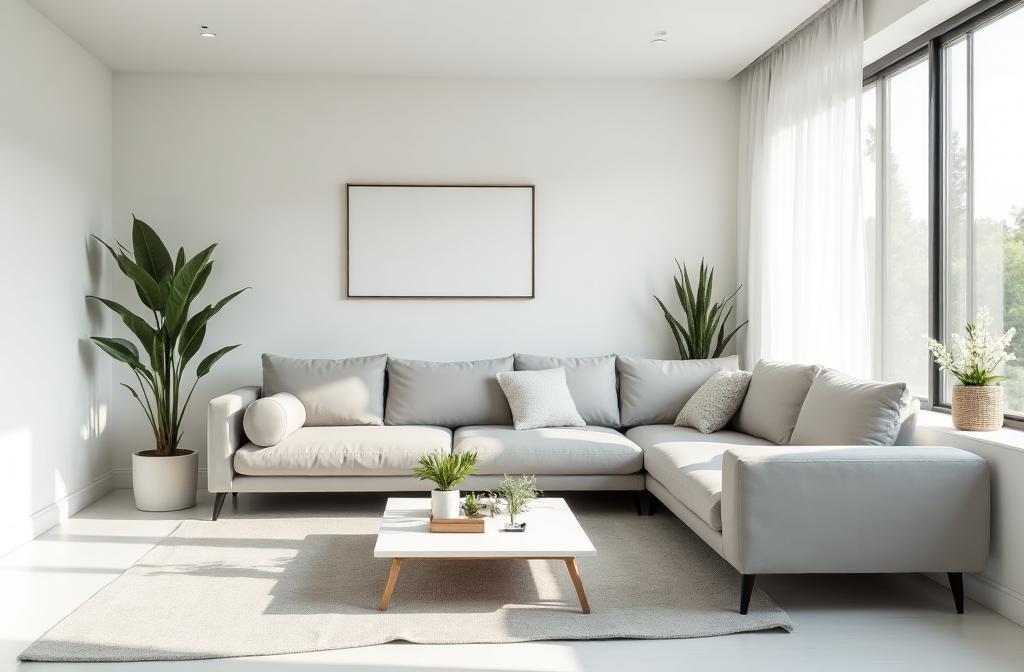
Your next room, visualised in seconds.
Start with three free designs. No card needed, no commitment.
Start your free redesignReal photos, real plans, real spend saved.
We use it on every empty listing before it goes live. The portal click-through is noticeably better and the cost is tiny next to physical staging.
I tested four paint colours on my kitchen cabinets in about five minutes. Saved me at least three tester pots and a very long weekend.
I send AI visuals to clients before any spec is locked in. It makes briefing painters and joiners so much faster, with far fewer surprises.
Revamp Magic creates visual concepts to help you explore ideas. Results are not measurements, technical drawings or professional advice. Confirm dimensions, materials and feasibility with the appropriate professional before buying or building.
Common questions about ai room redesign.
- How does AI room redesign work?
- Upload one photo of your room, pick a style or finish, and the AI generates a redesigned version of the same space while keeping your walls, windows, and camera angle intact.
- Do I need a special photo?
- No. A single wide phone photo taken in good light is enough. You do not need a 3D model or floor plan.
- Can I try different styles on the same room?
- Yes. You can run as many variations as you like on the same photo, from Scandinavian and modern to classic and industrial.
- Are the results good enough to share?
- Yes. Paid plans deliver clean, watermark-free images you can share with family, builders, or clients.
Explore more ways to redesign.
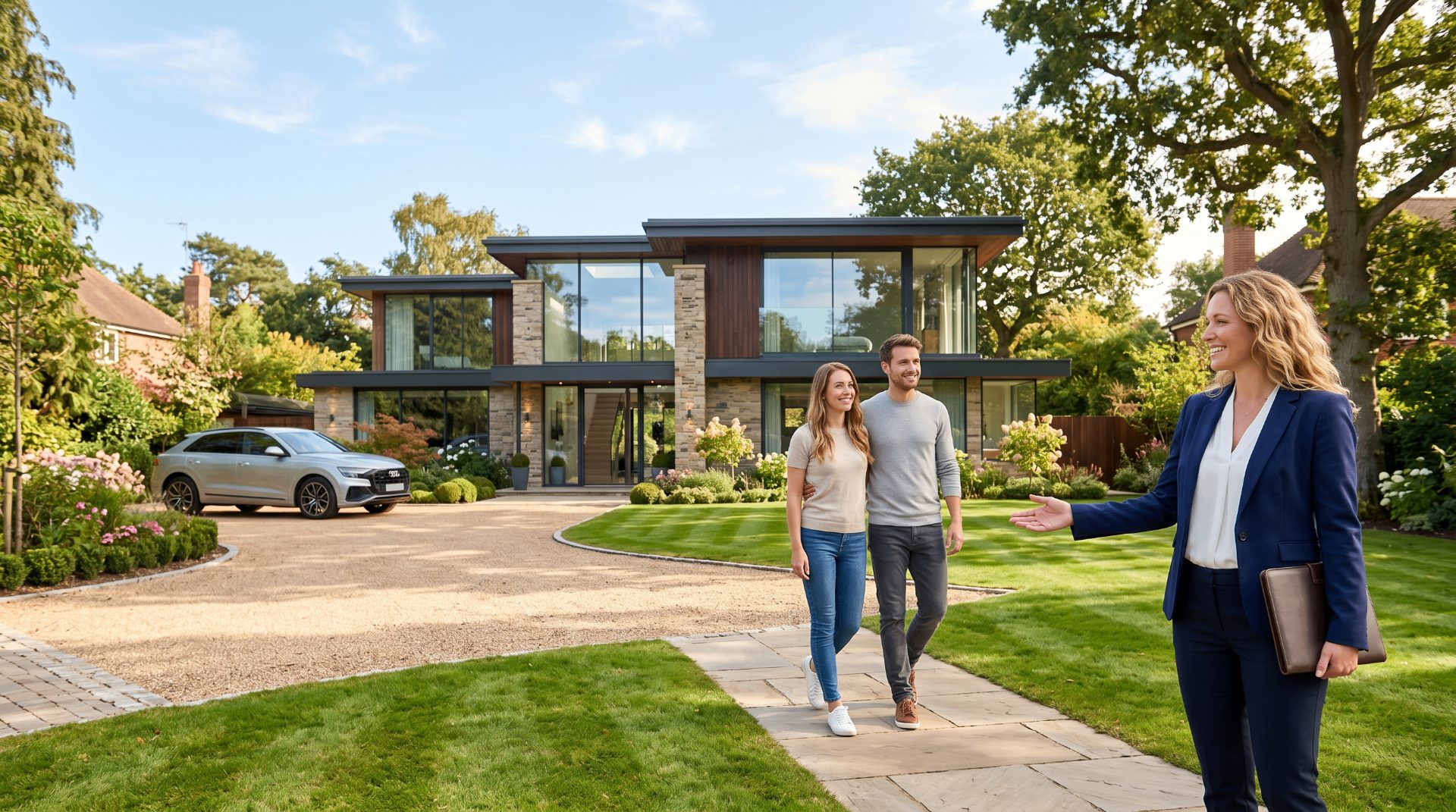
Estate Agents
Virtually stage empty rooms and refresh dated listings so buyers book viewings faster.
Explore
Landlords & Rentals
Make rentals look better before listing or refurbishing. Perfect for repeat use.
Explore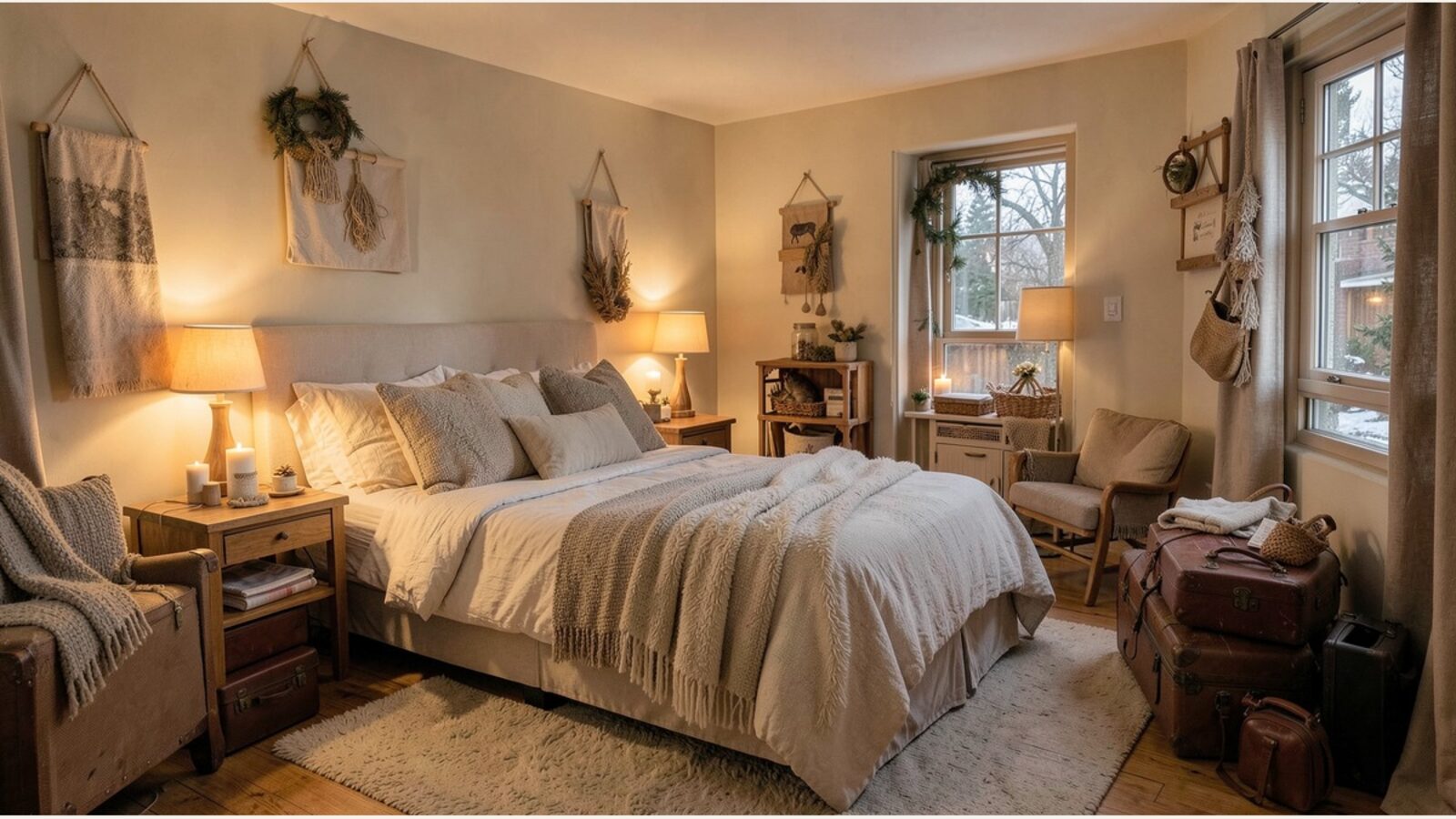
Airbnb & Holiday Lets
Help improve booking appeal with redesign concepts that show guests exactly what they are paying for.
Explore