
Present concepts faster. Win approvals sooner.
Use AI to generate design directions, staging concepts, and refresh previews on your client's actual space. Speed up workflows, not replace them.
No credit card required · 3 free designs · Cancel anytime
Tools your studio can plug straight in.
A faster way to show concepts, win pitches, and brief trades.

Client concept boards
Generate two or three directions from one site photo for pitches.
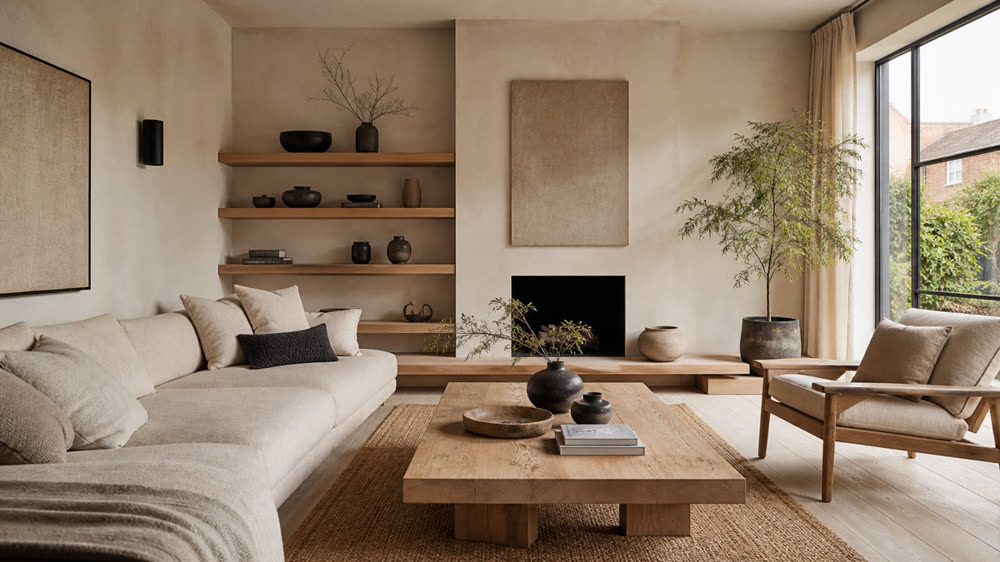
Mood and style swaps
Test Japandi, modern, classic, and bold takes on the same room.
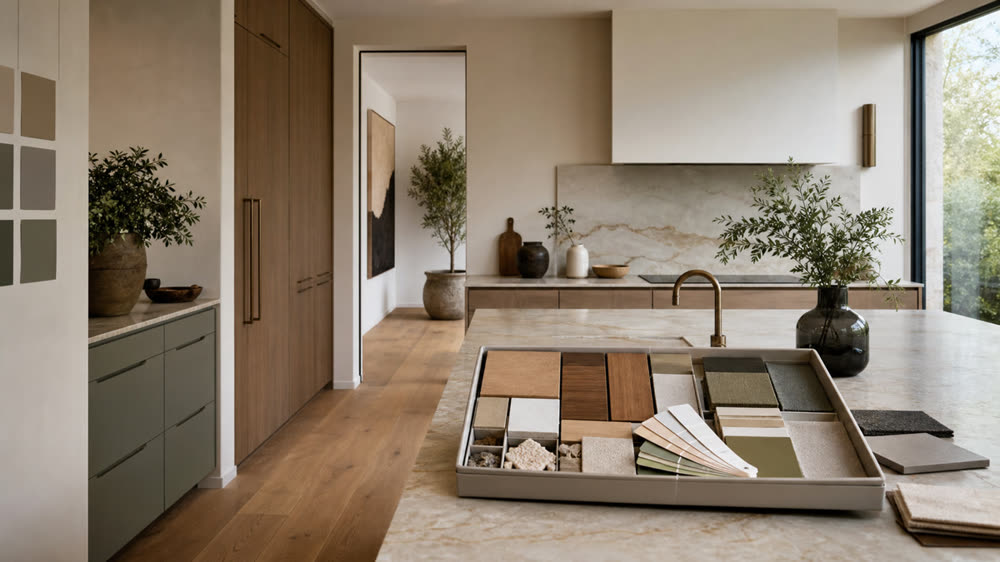
Material and finish tests
Compare flooring, paint, and joinery finishes in real light.
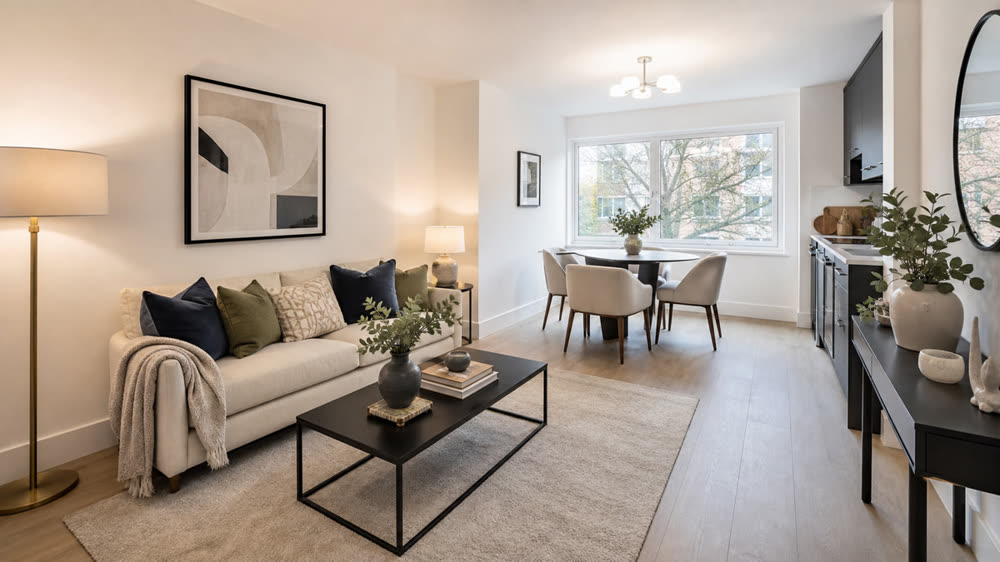
Virtual staging for stagers
Furnish empty homes for marketing without hiring physical stock.
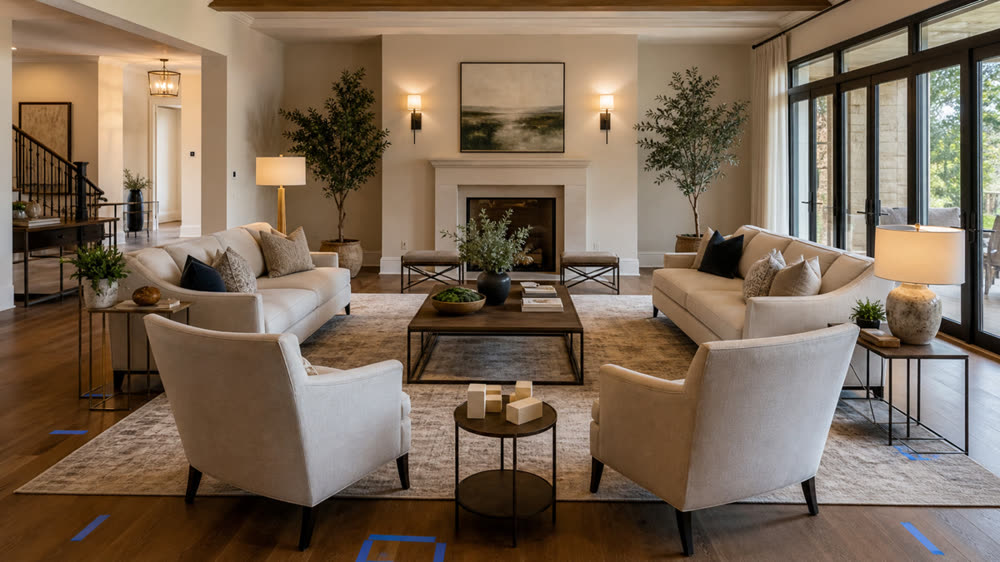
Furniture and layout trials
Move sofas, beds, and dining sets before any van rolls up.
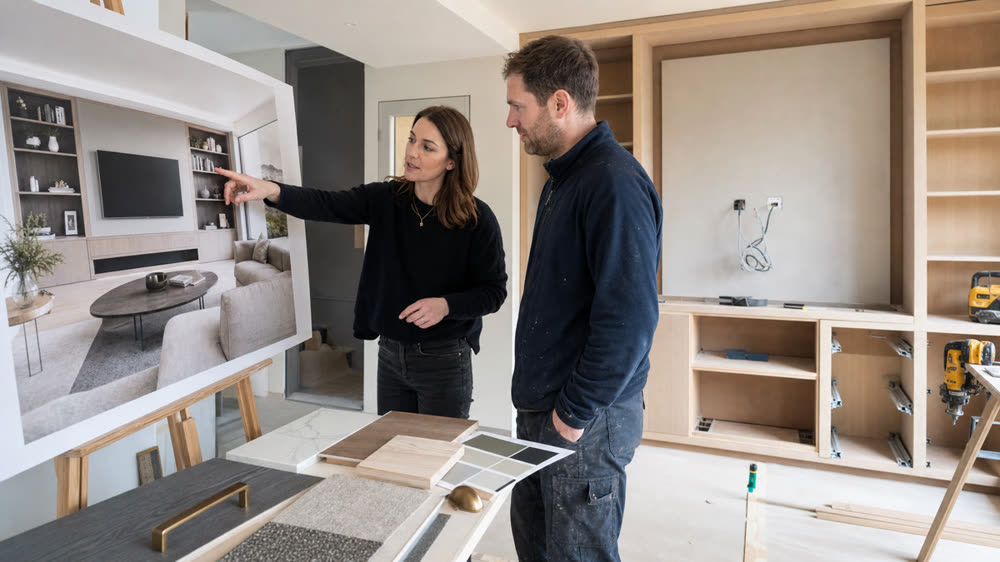
Contractor briefing visuals
Hand painters and joiners a clear target to quote against.
Workflow support, not workflow replacement.
Rapid concept generation
Produce multiple design directions in minutes instead of days, so you can iterate faster and present sooner.
Client buy-in from day one
Show, don't tell. Clients understand visuals instantly and approve directions with confidence.
Fewer revisions
Lock in a shared visual vision early so feedback loops are shorter and projects move faster.
Pre-sale visuals that sell
Generate staging and refresh concepts to help sellers and landlords see potential before any physical work begins.
From first meeting to final sign-off.
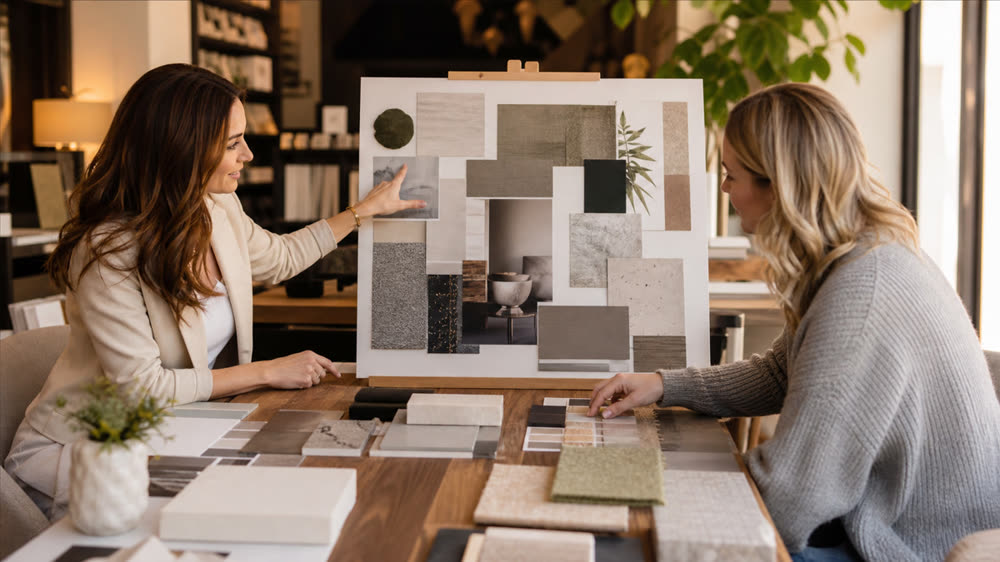
Client mood presentations
Build a visual brief that captures exactly what your client wants before you source a single sample.
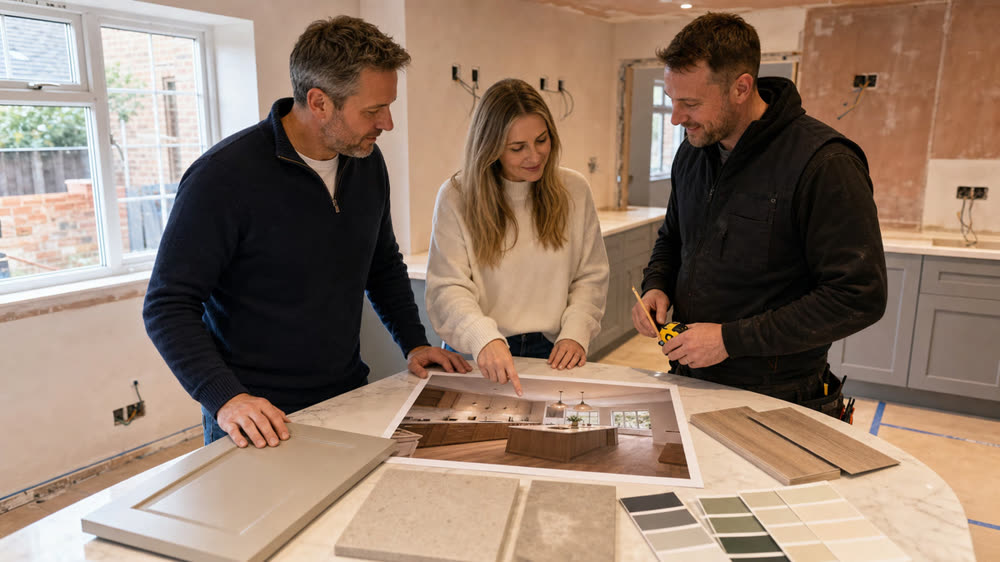
Pre-build approvals
Get sign-off on layouts, colours, and finishes before builders start, reducing costly mid-project changes.
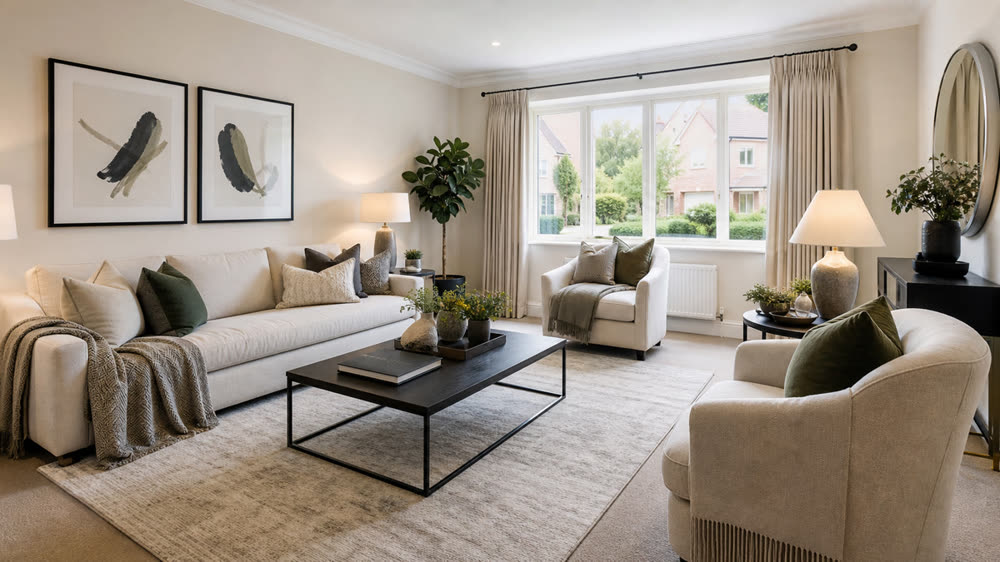
Staging proposals
Show sellers and agents how staging or a light refresh could lift the property's appeal and sale price.

Designer collaboration
Share generated visuals with architects, builders, and trades so everyone works from the same reference.
- Clients who struggle to visualise spatial changes
- Tight deadlines that don't allow for mood boards
- Budget-conscious projects needing quick direction
- Pre-sale staging where the seller won't invest yet
- Builder briefings that need a shared reference image
- Rental refreshes where cosmetic impact matters most
From room photo to client-ready concept in three steps.
Upload the room photo
A single wide shot is enough. Capture the full room so context is preserved.
Generate directions fast
Pick a style and see new layouts, palettes, and finishes applied to the actual space.
Present and approve
Download images for client decks, builder briefs, or social proof of your design process.
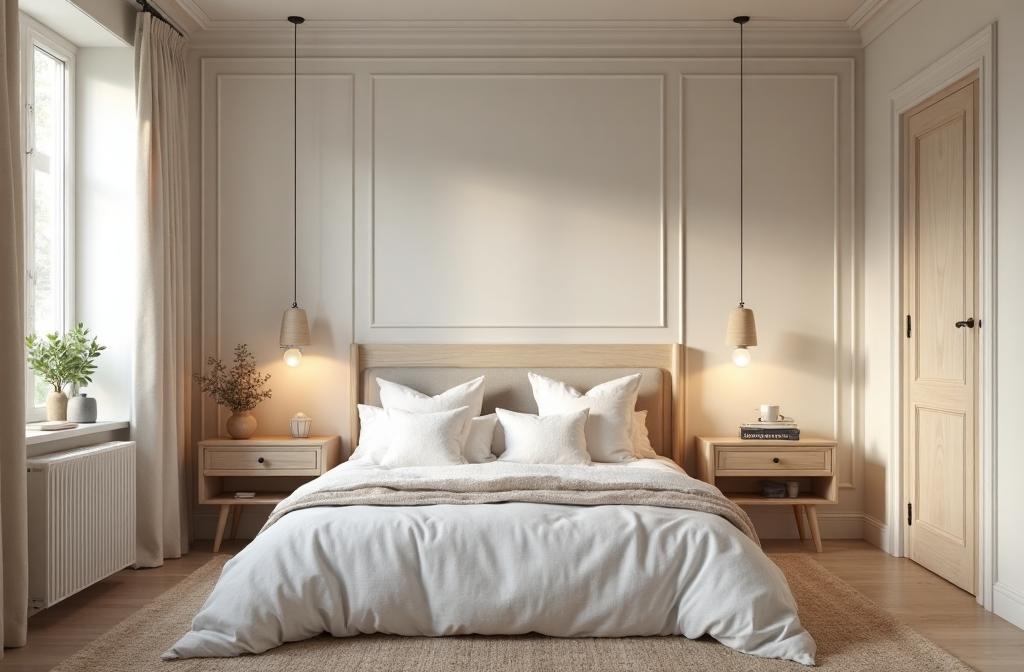
Speed up your concept workflow without cutting corners.
Upload one room photo and discover how much faster client approvals can be.
Start freeReal photos, real plans, real spend saved.
We use it on every empty listing before it goes live. The portal click-through is noticeably better and the cost is tiny next to physical staging.
I tested four paint colours on my kitchen cabinets in about five minutes. Saved me at least three tester pots and a very long weekend.
I send AI visuals to clients before any spec is locked in. It makes briefing painters and joiners so much faster, with far fewer surprises.
Revamp Magic creates visual concepts to help you explore ideas. Results are not measurements, technical drawings or professional advice. Confirm dimensions, materials and feasibility with the appropriate professional before buying or building.
Common questions about designers & stagers.
- Will this replace my design process?
- No. Use it as a workflow accelerator for early concepts, mood direction, and client approvals. The craft of design stays with you.
- Can I use my own moodboard styles?
- Yes. Apply specific styles, palettes, and finishes to client photos to communicate direction quickly.
- Is it suitable for staging projects?
- Yes. Virtually stage rooms to demonstrate intent before committing real inventory.
- Can I share the visuals with clients?
- Yes. Paid plans deliver clean images suitable for client presentations and approvals.
Explore more ways to redesign.
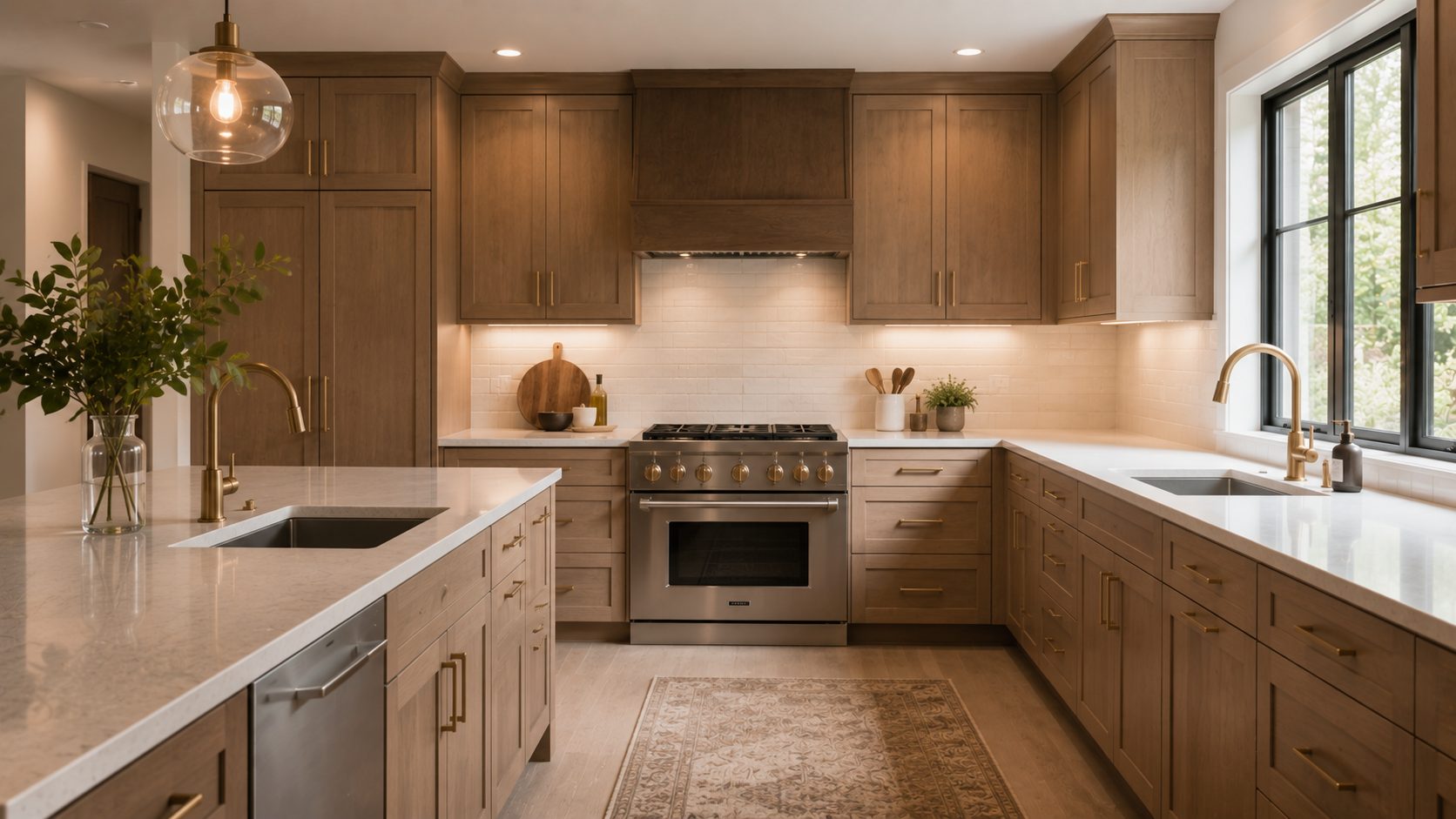
Kitchen Cabinet Makeovers
Test cabinet colours, handles, worktops, and finishes on your own kitchen photo before you commit.
Explore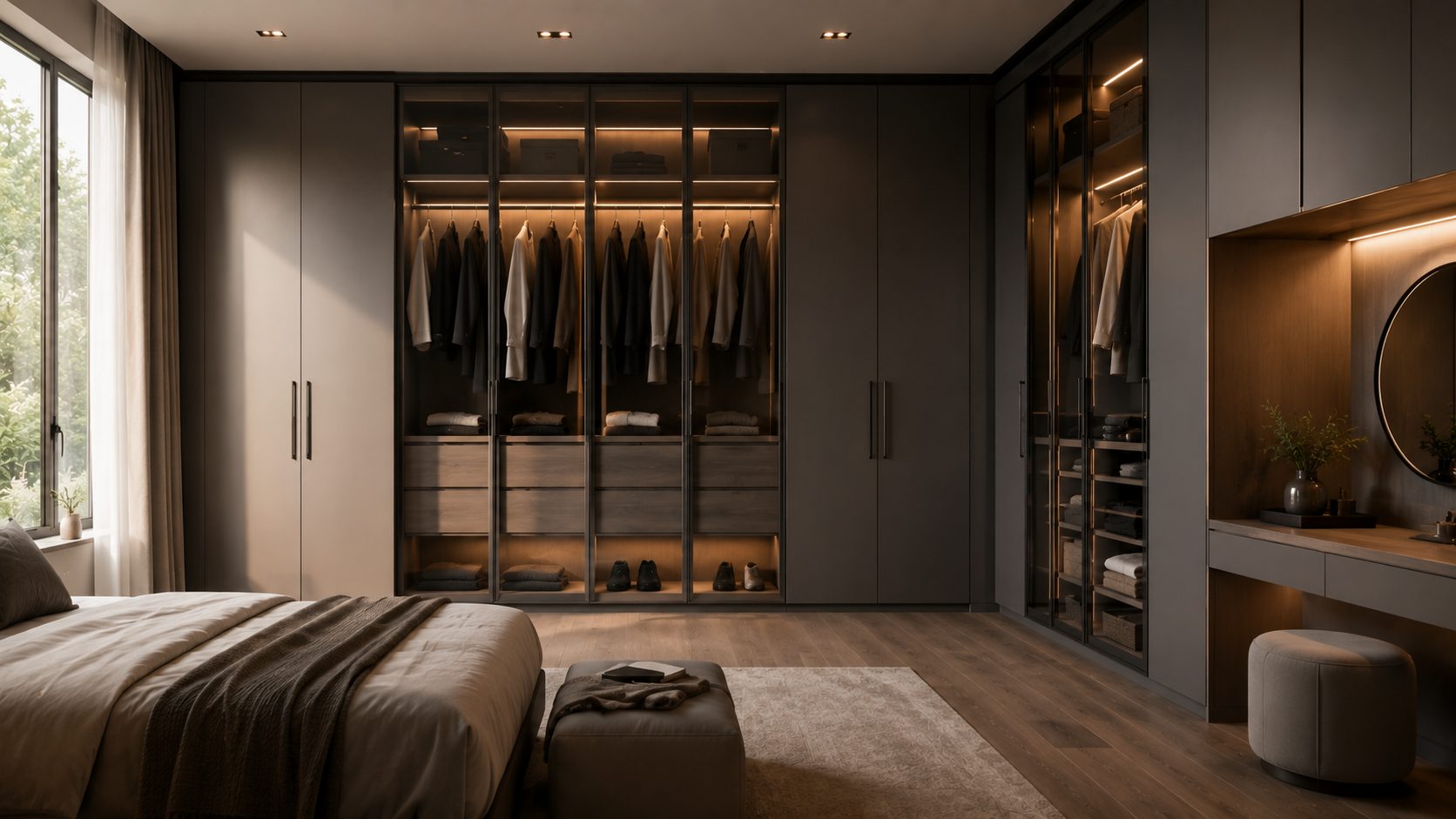
Wardrobe Makeovers
Try paint colours, door styles, handles, and fitted-wardrobe looks on a photo of your bedroom.
Explore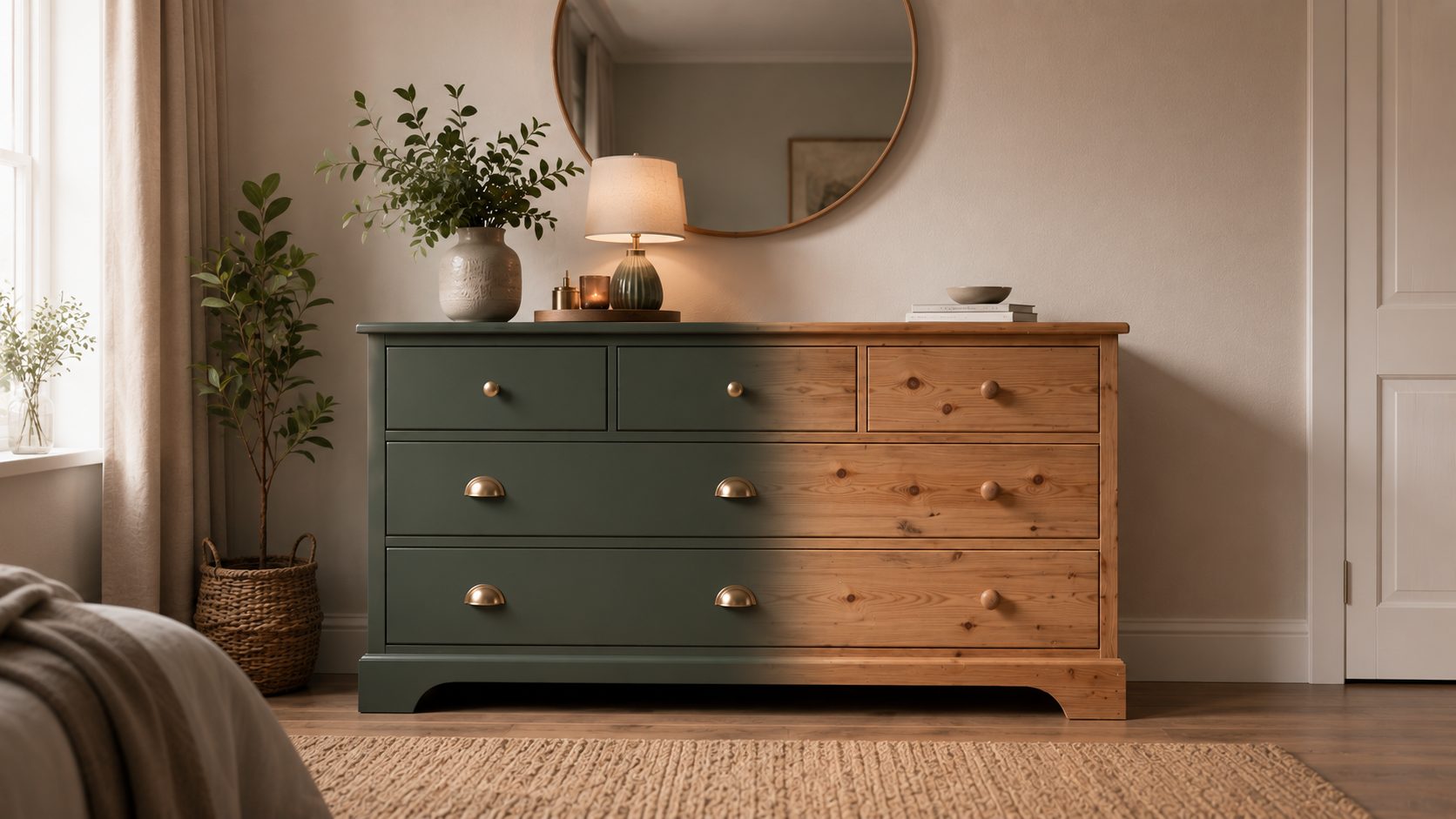
Chest of Drawers Makeovers
Compare paint colours, hardware, and styling on your real chest of drawers before you upcycle.
Explore